Appearance
Device Configuration
Admin only
The Device Configuration page is available from the Configuration tab inside a device page. It is only shown on a local collector dashboard for Admin users.
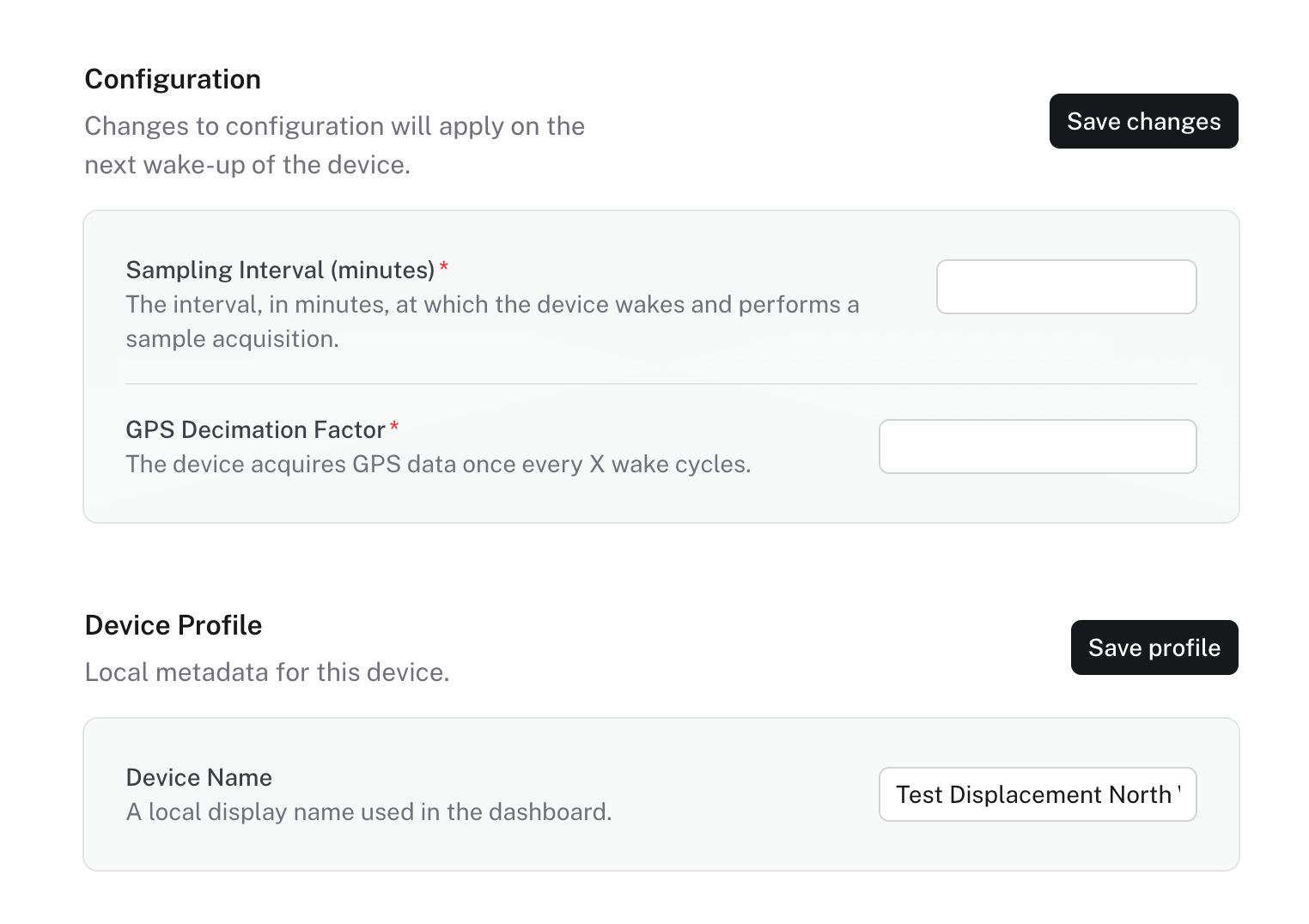
On this page, Admin users can see and update:
- Device runtime configuration, including Sampling Interval and GPS Decimation Factor.
- Device Profile, including the local display name used in the dashboard.
- Manual GPS Position, including latitude, longitude, and optional altitude.
- Calibration values for Tilt X, Tilt Y, Compass, and Temperature.
- Displacement Initial Values used as the baseline for displacement calculation.
- Device commands, including Refresh Location and Refresh Device Info.
- Device Version, including the latest known hardware and firmware version.
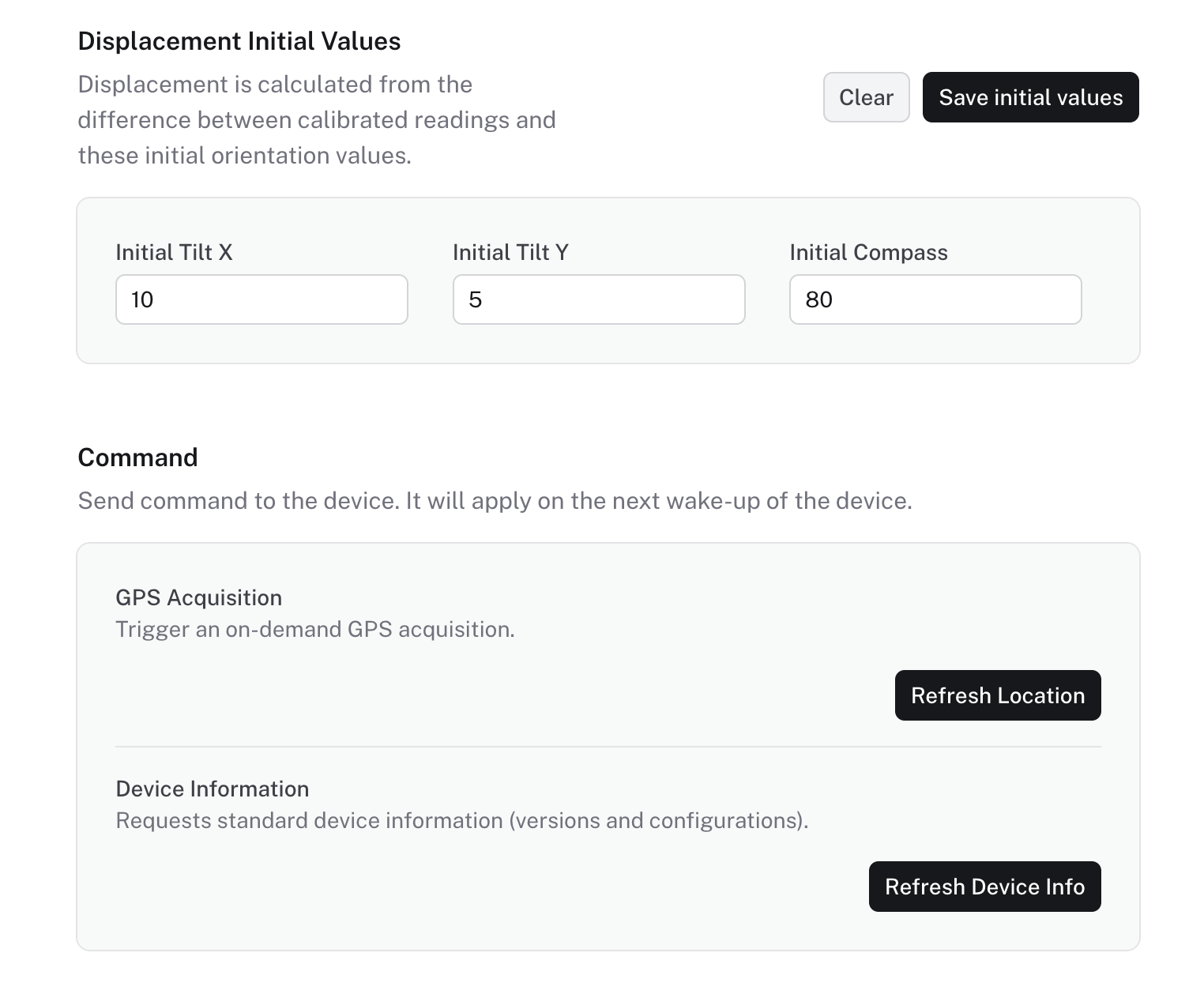
Changes to runtime configuration and commands are applied when the device next wakes up and communicates with the collector.
INFO
Use this page carefully during commissioning or maintenance. Calibration and displacement baseline changes affect how future readings are stored and interpreted.